Submit Requests
|
From the Patients module, you can make a variety of patient-related requests. Note: After you submit a request, you can manage it from the Patient Assignments module. To submit requests:
 Submit Needs Requests Submit Needs Requests
Often, providers must complete a series of specific treatments to meet their graduation requirements. A provider can submit a Needs Request to ask for a patient with a specific recorded patient need. Submit Appointment Requests
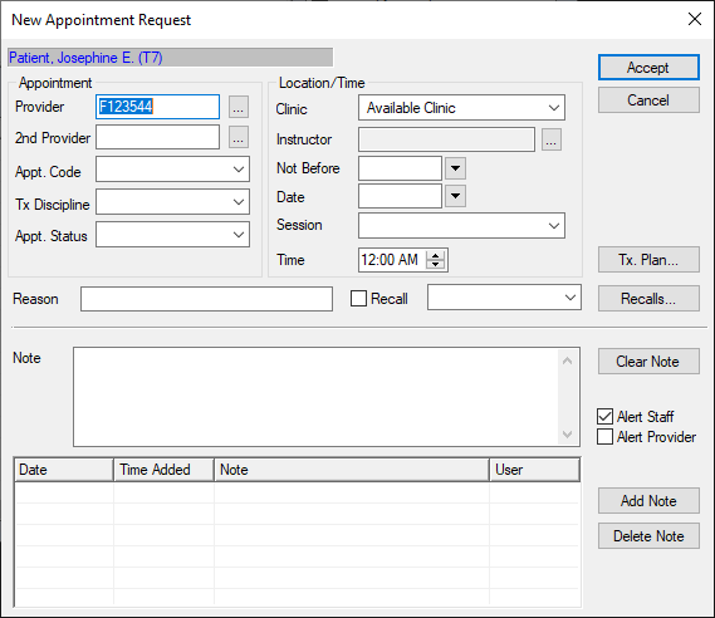
Depending on your institution’s workflow, you may be able to request appointments from the Patients module when you are ready to make an appointment for a patient. Note: A request does not schedule appointments; requests are reviewed and scheduled by an appropriate staff member.
Submit Chart Requests
Chart requests control access to paper charts so only one person may use a chart at one time. There are two chart request types: The person responsible for dispersing charts ensures the user receives the chart at the specified date and time. Note: After you make a request, you can view, modify, or delete your request from the Chart Tracker module. Note: If the patient has an electronic chart, a prompt appears. Submit Manual Dispensary Requests
Providers should submit a dispensary request for a kit when they need equipment for treatment. There are two requests types:
|